Simple registration form for workshops
This template helps you to create a simple registration form for your project, such as workshops, seminars, etc., using the Limesurvey survey tool.
A common problem when avoiding large tech companies is finding a practical alternative to simple registration forms. In many cases, it is simply a matter of allowing participants to easily register for events and workshops. Often, all that is required is for someone to register with their name and contact information and receive a confirmation email. This template, along with brief instructions, shows how to implement this registration process using LimeSurvey software.
About the template
The template offers the following features:
- Basic mandatory information such as first name, last name, email address
- An optional field for any other information that a participant would like to share.
- The title, description page, and welcome and closing messages can be changed as desired.
- Additional questions or further survey logic can be freely added as needed.
- This template includes a notification system that sends a confirmation email to the email address of the person registering and an email to the survey administrator. The automatically sent email templates and various details for notifying the administrator can be added or changed at any time.
- The template is available in both German and English.
Using the template
- You need access to an instance of Limesurvey (e.g., survey.servus.at).
- Download the simple registration template to your computer.
(https://gitlab.servus.at/davide/simple-workshop-registration/-/blob/main/limesurvey_survey_workshop-registration.lss). - Log in to Limesurvey
- In the Limesurvey admin area:
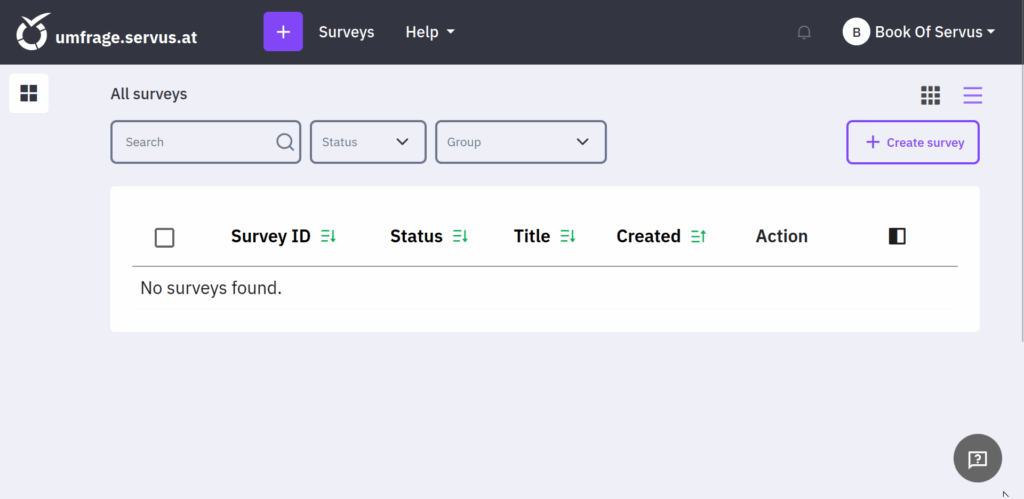
- Create a new survey https://umfrage.servus.at/index.php/surveyAdministration/newSurvey
- Click on “Import” and upload the template.
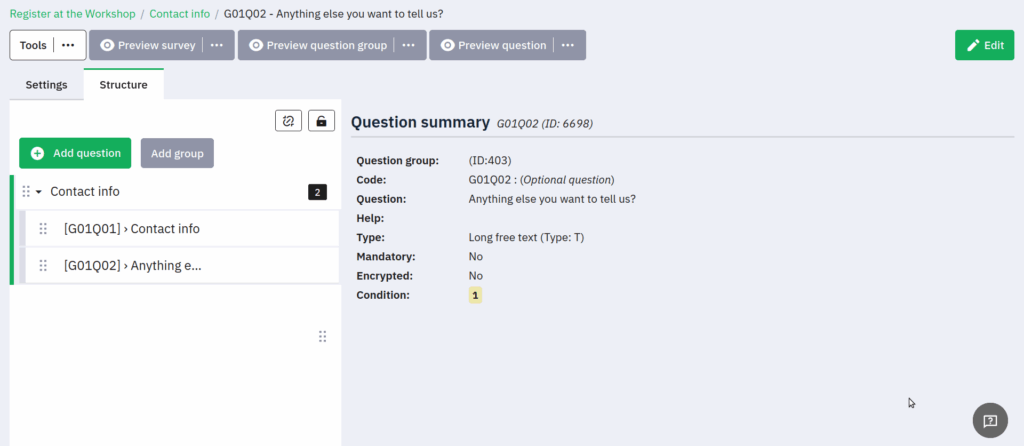
- Change and customize the title, description page, and welcome and closing messages. Expand the survey if necessary.
- Review and customize the email templates and notification settings (the basic functions already work with the template).
- Publish the survey
- Distribute the survey and enjoy your workshop.
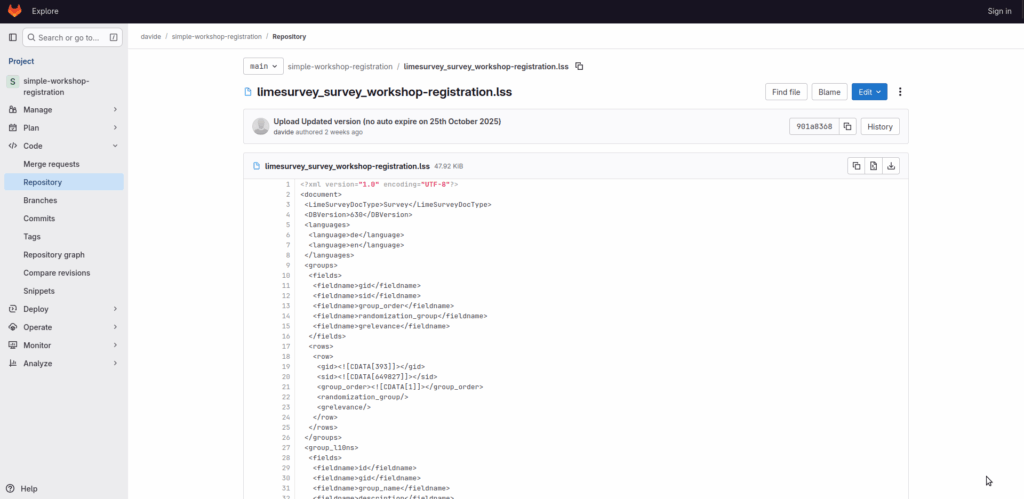
Download template
Create survey
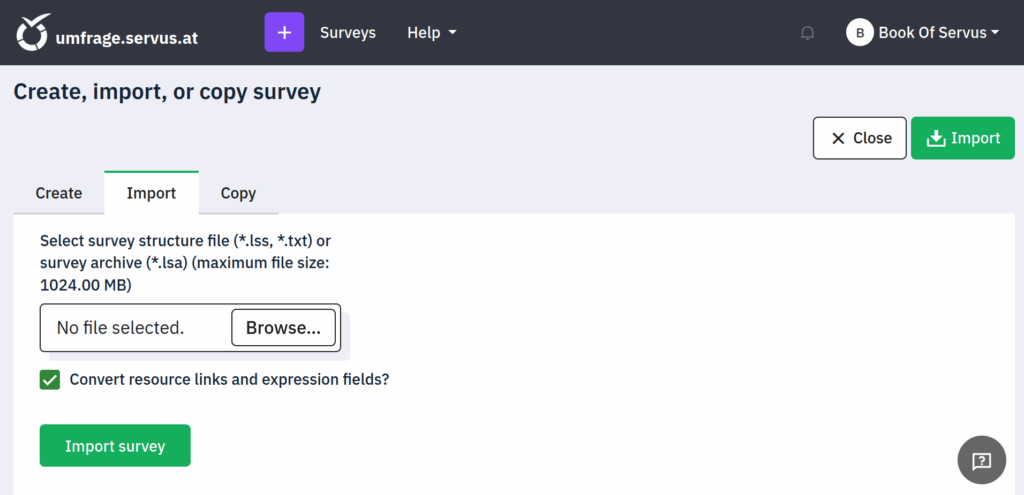
Import template
Edit survey